Showing posts with label TeachersPayTeachers. Show all posts

06 July 2016

Replacing Nouns with Pronouns

I love working with the 8 parts of speech, especially if I use School House Rock. I made this wonderful game for my students to play after watching the videos and some review games.


This is great for a quick review since there are only 10 questions and is multiple choice.


Each question gives students a sentence. The noun to be replaced is highlighted in yellow. Students must decided from 3 answer choices is best to replace the noun.


You can check out my other Parts of Speech products. Mac and PC versions are included!


Pin it for later:


26 February 2016

GoFundMe Project - Games and Technology in the Classroom


Greetings, everyone!

My name is Chandra Martin, a brand new teacher with 3 years’ experience.  I love working with children all of ages, particularly the younger students. I'm fulfilling my dream of becoming a teacher. I want to raise money to purchase a Portable Interactive Whiteboard and projector. This will allow me to create better interactive games for students and teachers in the classroom all over the world.  =)

     
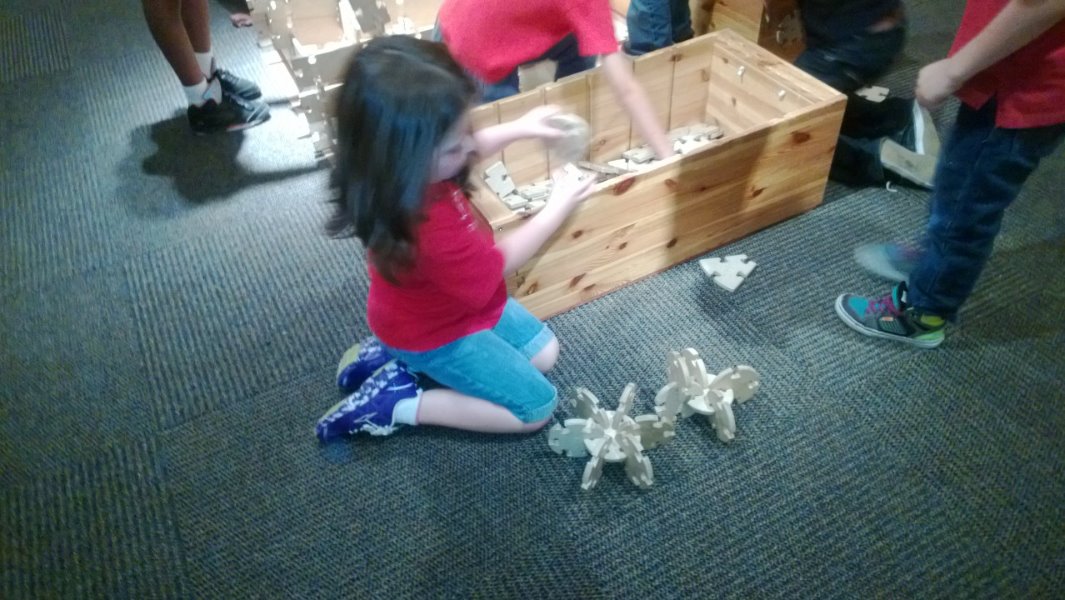
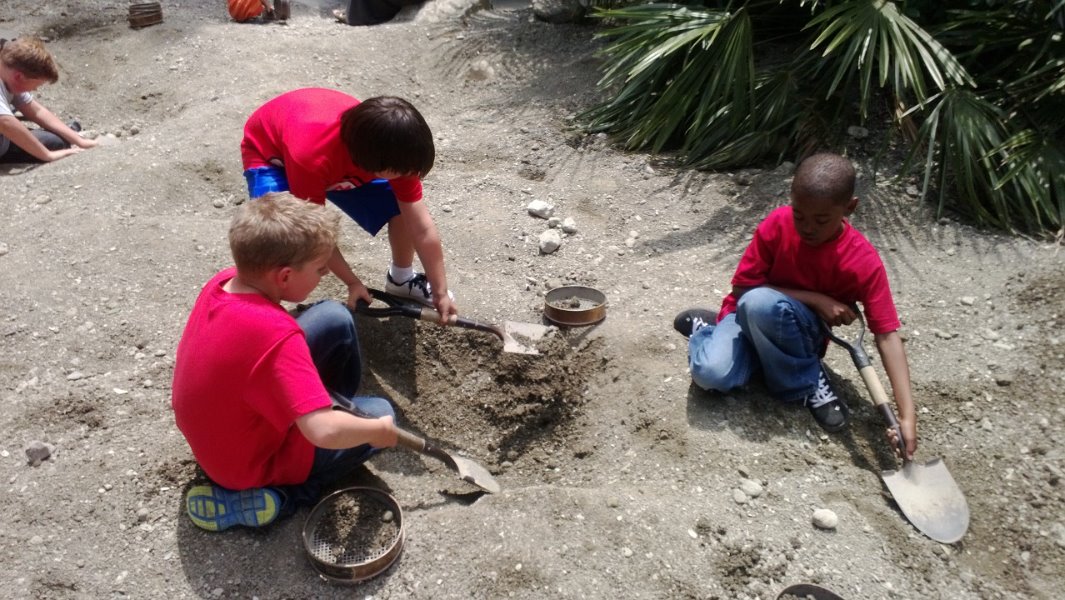
At the end of my 3rd year of teaching in NC, I started having seizures at random times. Because of this and to not traumatize any students, I made the ultimate decision to stop teaching in the classroom until I know why the seizures are occurring. I was heart-broken and miss it terribly every single day. I have a few pictures from my classroom trip the a Natural History Museum.

A past student on a field trip to a museum.


Students searching for fossils at the museum.

 I wanted to continue to inspire and pass on the values I have learned thus far in my lifetime so I decided to open a small TeachersPayTeachers store. I started to make money and also help children grow and learn from afar. Although the money has been helpful, it cannot pay for all the medical bills that continue to pile up. I barely made the funds to make ends meet, but with the help of my store, it has slowly helped. Thankfully, nothing horrible has been found (no tumors, diseases, or cancer) and am continuing to find out why these seizures occur. 


My TeachersPayTeachers Store Business Card.

I want to raise money to purchase a Portable Interactive Whiteboard and Epson projector from Amazon.com or Staples/OfficeMax. This will allow me to creative better interactive games for students and teachers in the classroom.  As a child, I often struggled in school, especially reading, but with the help of my teachers, I was able to receive my diploma and my Bachelor’s degree in Education.


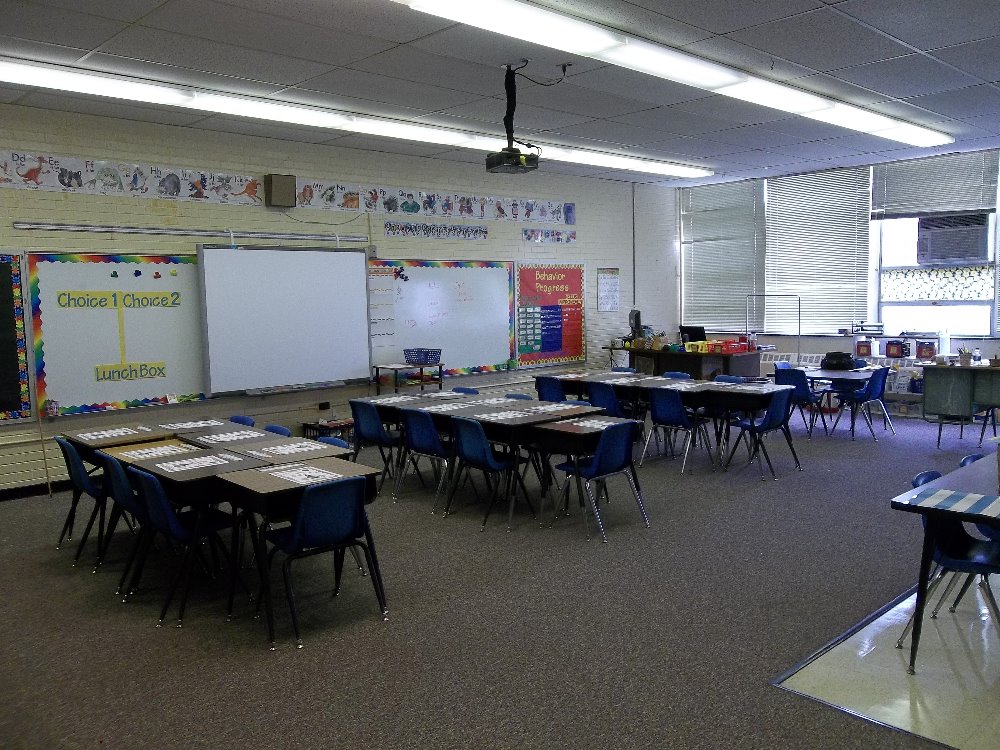
My 2nd grade classroom in 2013.

I'm having a Chain-link Challenge! For every $1 donated, I will connected 25 paper chain-links together. Each chain link represents each students. The average class size ranges from 20 to 30 students so $1 donated equals 1 classroom you have helped. The more you donate the more chain links I connect and the more students you help!

Here's a video better explaining the challenge:


If you could help me, I would greatly appreciate it. I cannot go to Donorschoose because I am not currently in the classroom. I would love to receive the funds to make this wonderful dream purchase as soon as possible. I would be grateful for any donation you make. You will make a difference in my life and countless children all over the world.

If you'd like to make a donation, you can donate here on my official page.

13 January 2016

5 Fantastic Tricks & Tips - Selection Pane


Welcome to my 5-part series of  "5 Fantastic Tricks & Tips". This series shows you some awesome tricks and tips for building your powerpoint presentations. Posts go up every Wednesday. You can also check out the replay on Katch.me or at the bottom of the post.

Today, I'll show you a very under utilized tool know as the selection pane.


Just what is the selection pane? The selection pane displays all the objects on the current slide. Every object has a name, whether it's a text box, shape, or photo. 


The Selection Pane is not immediately displayed in powerpoint. To display the selection panel:

  • select any object on the slide
  • The "Drawing Tools" panel should appear at the top. Click on "Format".
  •  Click on "Selection Pane.


Just what does the selection pane do? Aside from displaying the objects on a slide, it can help you manage your layers (who's in front and who's behind) and identifies/hides objects.


Did you know? You can name your objects? That's right. Just double click on a shape in the selection pane and you can name your objects. This comes in handy when you have several objects on a page.


This helps when you make PPT Games! When you making buttons to move to the next slide, you can actually name them "Next" or "Previous" rather than "Picture 1" or "Picture 2". This helps your you know when you use "triggers" in animations.


To name an object, open the selection pane, double click on an object on the pane and type your desired name.


One feature of the selection pane is to show or hide objects. This is useful when changing a powerpoint game to task cards. You can do so by clicking the "eye". An open eye means the object is visible. A closed eye means it's still there, but it is not visible. Perfect for hiding answers on games and printing them as task cards.


I hope these tips come in handy! They're a big help when you create product covers, worksheets, games, and other teaching materials. Please share and comment if this was helpful!


06 January 2016

January 2016 Monthly Newsletter


Happy New Year, everyone! I can't believe it's 2016! This is going to be a great year! I can feel it! Welcome to all my new followers! Here's what's going on this month!

My goFundme project!
I have started a gofundme project to purchase a projector and portable Interactive Whiteboard. You can also donate on my official goFundme page. If you donate $5, you can get any bundle from my TPT Store. If you donate $10, you can choose any 3 bundles in my TPT store. You can get theses perks on my official goFundme page. You can also donate $1 by purchasing a $1 donation on in my TPT store. My goal is to reach $700 by the end of the school year! A big shout out to Kelly Malloy and Kathy Illington for making my first two donations!


Annual Monthly Sale
Mark your calendars for my weekend sale. It begins January 16, 2016 through January 19, 2016. Take advantage of some great products at a reduced price. Get some fun winter games and Valentine's Day activities!


New Years Resolution Blog Hop!
Hop on over to my Blog on January 9 for The Classroom Clique's New Years Resolution Blog Hop! Check out some wonderful goals for the new year!

Upcoming Changes!
This is most important! I'm currently updating my entire store so please excuse the mess! I hope to have it done before the end of the year. I plan to increase the princes of my PowerPoint games only. My yearly license will still be $25 a year. As I am approaching 300 PowerPoint games, the permanent license will increase to $150. Now's a great time to get it before the prices increase.

Monthly FreebieI didn't have a chance to complete last month's set of freebies so here they all are! Enjoy!

3 Digit Addition Worksheets
3 Digit Subtraction Worksheets

Freebie - Adding 3 Digit Numbers Worksheets       Freebie - Subtracting 3 Digit Numbers Worksheets

Thanks for reading. Have a wonderful New Year and see you next month!

13 November 2015

Thanksgiving Blog Hop 2015


      The Classroom clique proudly presents our Thanksgiving hop! Jump from blog to blog and gather some wonderful Thanksgiving traditions, recipes, and freebies.

    
     I have so much to be thankful for! Over this past year has been a real struggle for me. Doing TPT full time, helping my sister take care of her 3 beautiful children, and managing my seizures has made me strong and so thankful for every thing I have. I thank my family, especially my mother who was always there for me. My friends who still put up with me and antics. My friends in the Classroom Clique. Lastly, I thank my followers. You guys keep me running and motivated, especially through the exciting moments and the toughs moments. Thank you. Thank you. Thank you!


      As is tradition in our house, I do the baking. It's mostly desserts. A few years ago, I challenged myself to make an apple pie from scratch (minus the pie dough). I have to say it was the most delicious pie we ever had. It was gone the next day. The recipe is very simple. I found it online at Pilsbury.com for Perfect Apple Pie. I added some a little powder sugar and apple juice to the filling to sweeten up the Granny Smith apples I used.


    I figured out how to do the Lattice topping for the pie crust. It wasn't as hard as I thought it would be. I used eggs whites as a glaze for the top and covered the edges with foil (to stop the burnt edges).


     It came out beautifully and served with vanilla ice cream, it was the best dessert I had ever made.


Each year at Thanksgiving I make a new dessert so my sister asked me to make peach pie. I'm up for the challenge! =)


     I don't have many Thanksgiving games in my store, but I made new a freebie just for this blog hop. Moreover, it's a forever freebie!


In this game, students use dry erase boards to write the lower case letter that matches the capital letter.


This game covers all 26 letters of the alphabet. It's a perfect game to review to check for understanding.


Students are given the capital letter and on their dry-erase boards, write the lowercase letter. Great for the entire class or in small groups. Students can also practice individually on the iPad.

You can grab this game here:

Thank you for stopping by. Be sure to stop by other teacher bloggers for more recipes, traditions, and freebies!


24 October 2015

Trick or Treat! Blog Hop

 photo Trick_or_Treat_Hop_Header_zps5ebqxrf4.png


I'm so happy to join The Classroom Game Nook in a "Trick or Treat" blog hop! Halloween is literally around the corner (one week away) and it's time for teachers to go trick or treating with some awesome tips, tricks, treats, and more!

 photo tricks_header_zpsvmuosr0e.png

Sight words are fun. Tic-Tac-Toe is fun too! Why not put the two together? 

 photo IMG_1704_zpsqkdioqmh.jpg

My nephew who is in kindergarten practices his sights words every night. After a few weeks, he got tired of doing the flash cards. I decided to play Tic-Tac-Toe using his sight words. He was more than willing to play!

 photo IMG_1718_zpsawsc96vw.jpg

Set up is simple! Make a large Tic-Tac-Toe board on some paper. Write the sight words in each box.

 photo IMG_1716_zpsyrmx3ssg.jpg

 photo IMG_1714_zpsjenj6wys.jpg

Write X's and O's on some paper or index cards and you're ready to go! The first time around, I folded a paper in thirds and just traced the lines. Later, I made some boards, X's, and O's on my computer and printed them out.

 photo IMG_1710_zpsbh6s6s3b.jpg

You can save paper by drawing a Tic-Tac-Toe board on some paper and insert it into a Sheet protector. Use a dry-erase marker to write the letters. You can change the words any time with a eraser or paper towel. You can even insert 2 pages in one sheet placed back-to-back for 2 games in 1. You also have a carrying case for your cards and dry-erase pen!

 photo IMG_1724_zpsunbkmsuz.jpg


 photo treats_header_zpsdtqms8le.png


When I think of Halloween, I think of all the sweets. In particular, candy corn. You can never have to much candy core! Here's a sweet candy corn game for your classroom.

My nephew Isaiah loves adding numbers so here's a fun Adding to 10 powerpoint game.


 photo Slide1_zpsud7owcvv.png

This Halloween themed game has students practicing adding numbers up to ten.

 photo Slide4_zpsi4vybcsi.png

 photo Pic 3_zpsxa9ubj9j.png


It's played with dry-erase boards so it's perfect for small groups. You can grab this wonderful freebie here. Be sure to grab it here:


Lastly, it's giveaway time! Halloween's a week away, but what about Thanksgiving? Once Halloween's over, the turkeys go into hiding! You and your students can practice counting turkeys with this fun Counting Turkeys PPT Game.


 photo Cover_zpssux2jhb1.png


Before the big Turkey Day comes, make sure your students know how to count! Students play against the teacher as they count turkeys.

 photo Pic 1_zpsj0xp48as.png

Some turkeys are in rows while others are scattered about. Great for a Thanksgiving review game. You can check out this game here:


 photo Pic 2_zps8fczdimv.png


 photo Pic 3_zps4wvuxcwd.png


You can enter to win this wonderful game! You can enter below. I'm also having a milestone celebration where you can win a $25 gift card.

a Rafflecopter giveaway

Don't forget to hop on over to another teacher blog!


 photo Connector_logo_zpsbnyh17kj.png

LinkWithin

Related Posts Plugin for WordPress, Blogger...